Top 13 AI Workflow Automation Tools in 2026
The best AI workflow automation tools for 2026 — Zapier, n8n, Glide, Cursor, Claude Cowork, and more. Side-by-side comparison of pricing, features, and best-fit use cases for no-code workflows, document automation, and design tasks.
The best AI workflow automation tools for 2026 — from no-code platforms like Zapier and Glide, to AI-powered document automation workflow software, to desktop agents like Claude Cowork. Side-by-side comparison with pricing, integrations, and best-fit use cases.
AI workflow automation has moved from competitive advantage to baseline operating practice in 2026. Teams now lean on these tools to handle repetitive work — from AI-powered document automation workflow software, to automating design tasks, to building no-code workflows that combine OCR, summarization, and event triggers — without manual hand-holding.
We've tested the leading platforms and ranked the top 13 AI workflow automation tools for 2026. The list spans no-code builders (Zapier, Glide, Make), AI-native developer agents (Cursor, Claude Cowork), workflow optimization tools, and generative AI workflow tools that suit teams, solo creators, and enterprise ops alike.
If none of these options are right for your use case, then visit our AI Tool Directory. You can also compare broader AI productivity tools if you want personal assistants, meeting tools, and task managers alongside workflow builders. Sales and RevOps teams building automated enrichment pipelines will want to pair these workflow tools with dedicated AI sales prospecting and enrichment platforms — the workflow layer orchestrates the data flow, but the enrichment layer determines whether your contact data is actually accurate.
Testing the top 13 AI workflow automation tools
The selection of the following tools is based on their support for automating workflows involving text, images, documents, apps, and code; their integration of AI capabilities; and their relevance in the current and upcoming business environment.
The landscape of automation is broad, with many tools focusing on general data integration. The tools highlighted here specifically address the growing need for multimedia workflow automation, no-code workflows, AI workflow optimization, and document automation across teams.
N8N
Custom workflows with open-source power
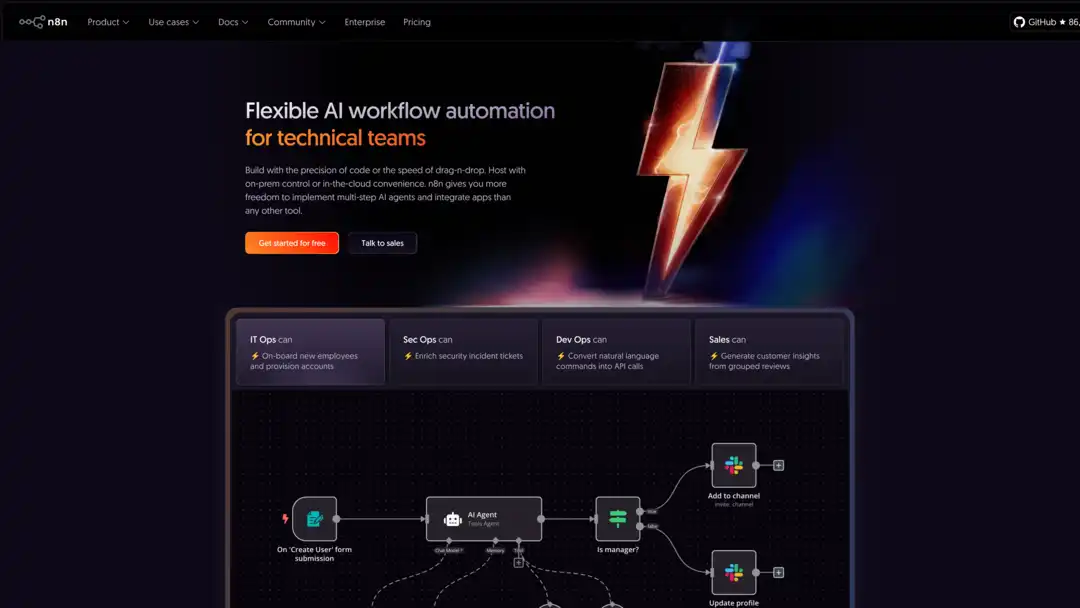
N8N lets you build complex automations by linking apps with a visual editor. It's open-source, so you can host it yourself and tweak it however you like. Perfect for those who want control.
Key Features:
- Drag-and-drop node editor
- 400+ app integrations
- Custom nodes with code
- AI agents for smart tasks
Pricing:
- Starter: $24/month
- Pro: $60/month
- Enterprise: Custom
Best For:
Developers who need tailored, AI-driven workflows.
Zapier
No-code app connections made simple
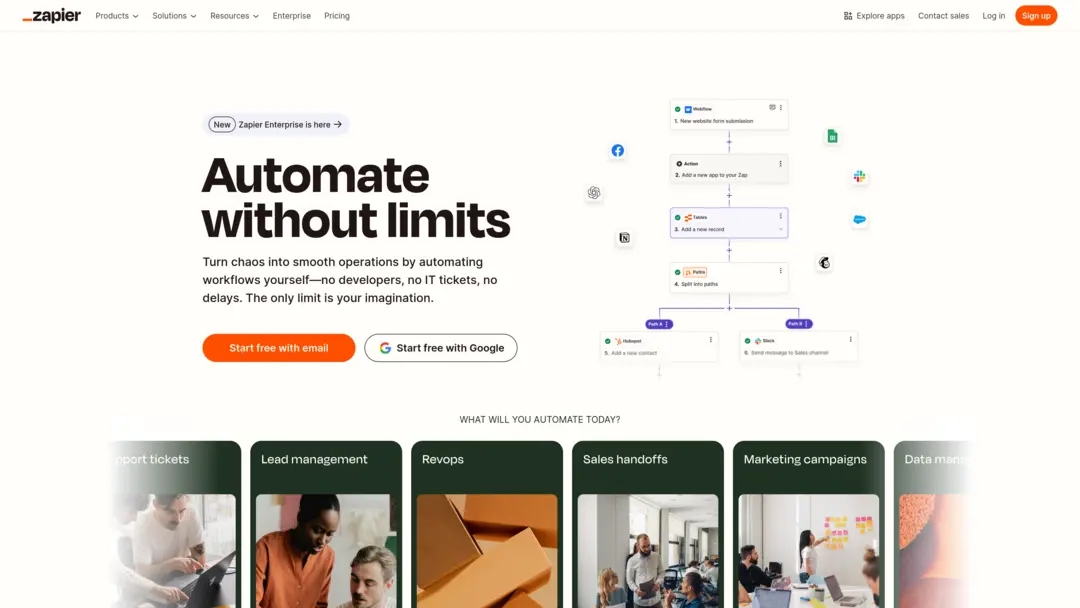
Zapier hooks up over 7,000 apps to automate tasks fast. No coding needed, and its AI helps you build workflows easily. We love how it saves time on repetitive tasks.
Key Features:
- AI Zap builder
- Data mapping with AI
- Links to AI apps like OpenAI
- Multi-step workflows
Pricing:
- Free plan: 100 tasks/month
- Professional: $19.99/month
- Team: Custom
Best For:
Anyone wanting quick app automation without tech skills.
Gumloop
AI for non-coders
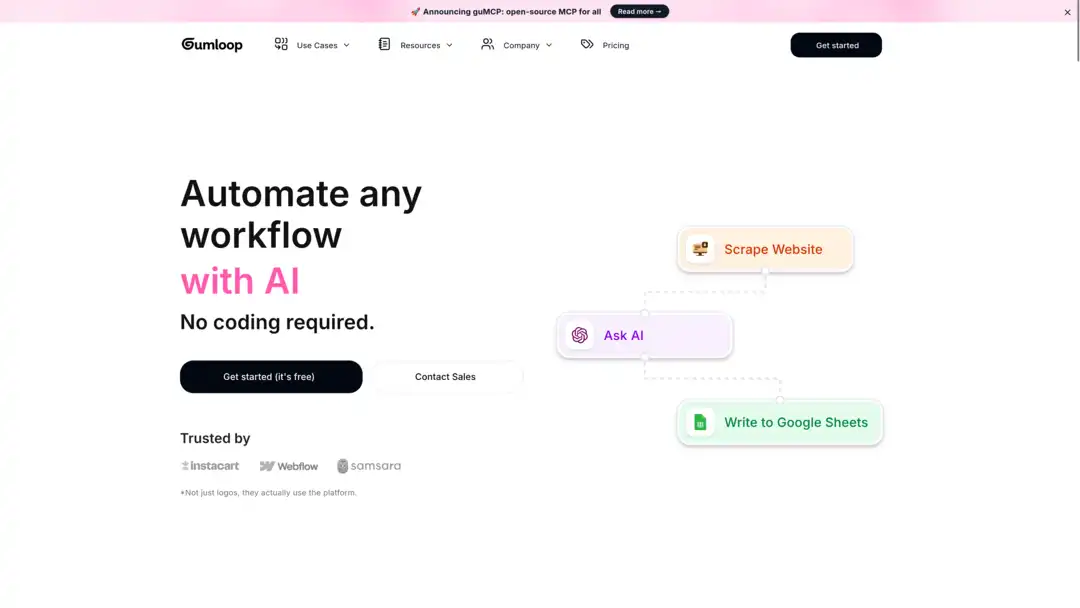
Gumloop's drag-and-drop setup makes AI automation a breeze. It's built for people who don't code but want to tackle things like data scraping or document processing.
Key Features:
- Visual workflow builder
- Pre-made AI nodes
- ChatGPT integration
- Credit-based usage
Pricing:
- Free: 1,000 credits
- Starter: $97/month (30,000 credits)
- Pro: $297/month
Best For:
Small teams automating tasks like SEO or data entry.
Lindy
Smart AI agents for your business
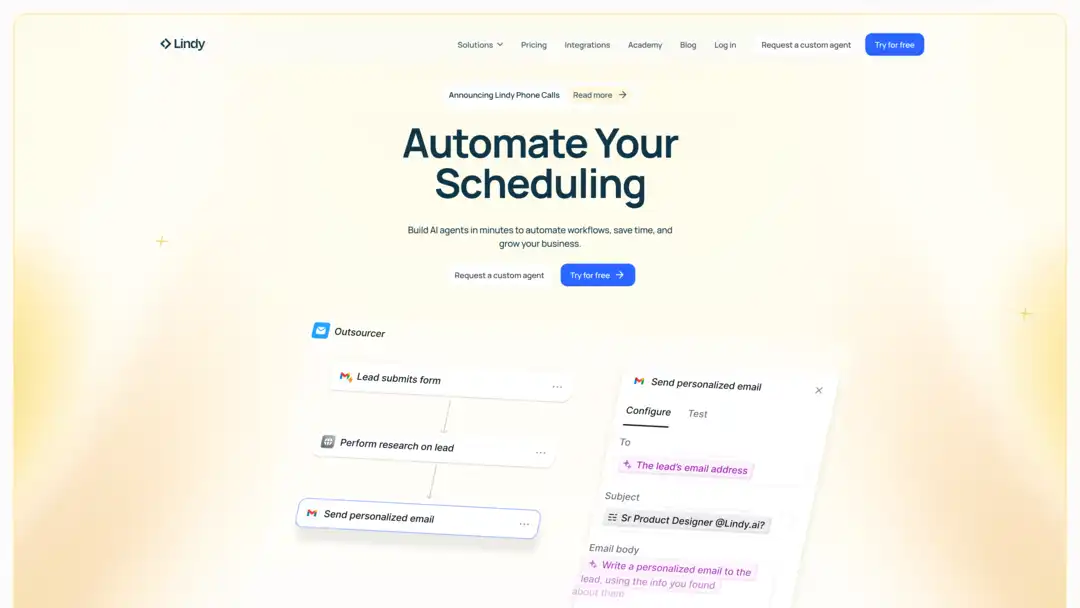
Lindy creates custom AI helpers (Lindies) to handle scheduling, support, and more. It works across email, text, and voice, which we found useful for multi-channel handoffs.
Key Features:
- Custom AI agents
- Multi-channel support
- Full workflow automation
- Flexible credits
Pricing:
- Free: 400 credits/month
- Pro: $49.99/month
- Business: $299.99/month
Best For:
SMBs streamlining customer tasks and sales.
Bardeen AI
Browser-based task automation

Bardeen AI runs in your browser to scrape data or send messages. It's a go-to for sales and marketing teams that need fast results from web-based workflows.
Key Features:
- AI web scraper
- Personalized message generator
- Natural language "Magic Box"
- Team-friendly plans
Pricing:
- Free plan available
- Starter: $99/month
- Teams: $500/month
Best For:
Sales teams automating outreach and lead work.
Relay.app
Modern AI automation for teams
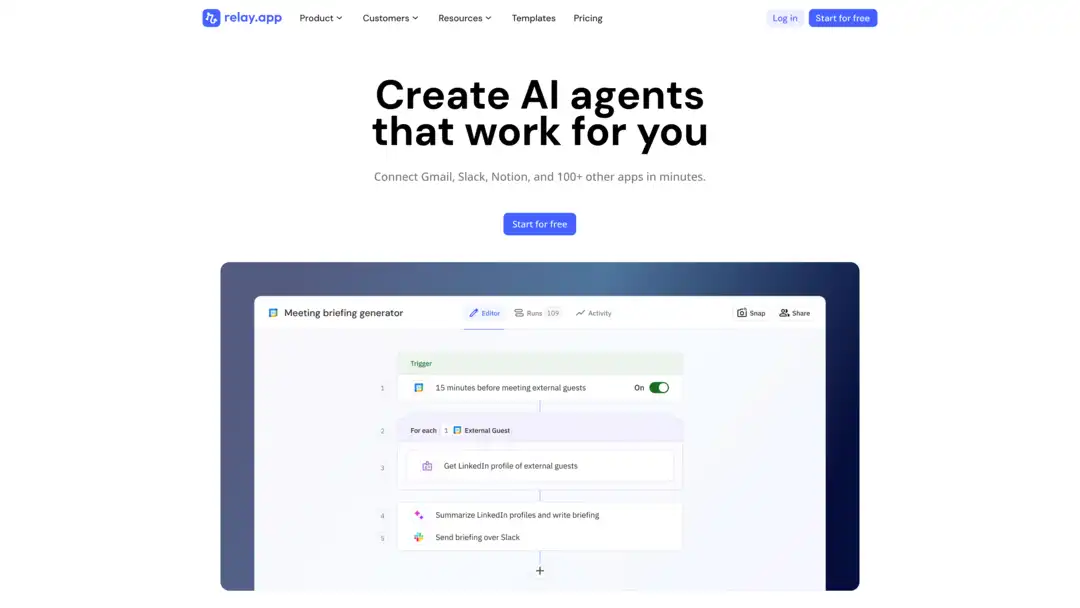
Relay.app blends a sleek design with AI power. We liked its human-in-the-loop option for keeping control over tricky tasks.
Key Features:
- AI workflow builder
- GPT/Claude integration
- Human oversight option
- Unlimited team users
Pricing:
- Free plan included
- Professional: $19/month
- Team: $69/month
Best For:
Teams automating onboarding or sales processes.
Airtable
Spreadsheet meets AI database
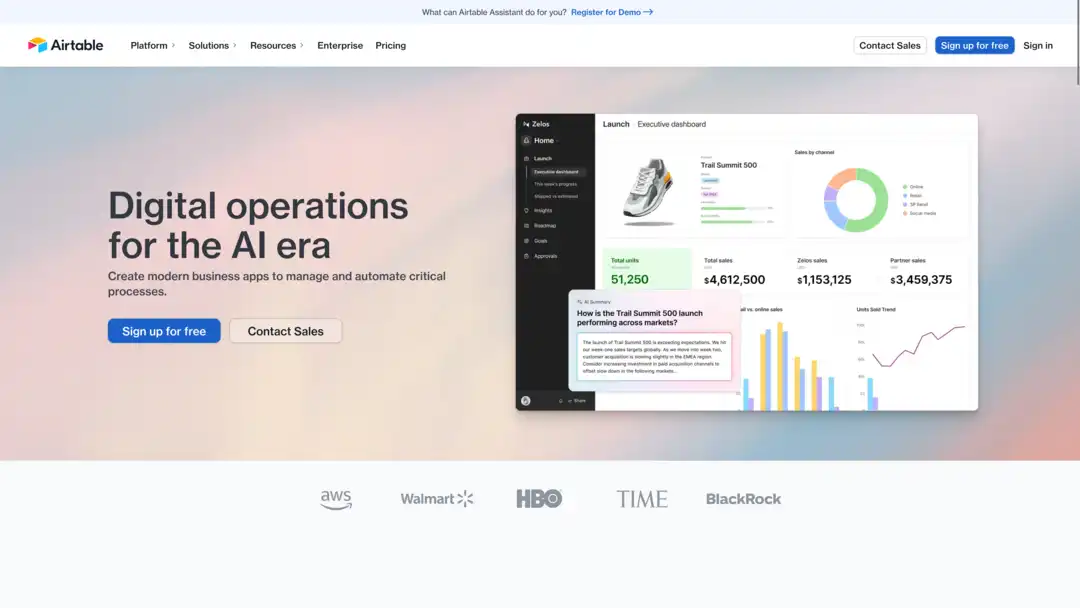
Airtable mixes simple spreadsheets with database muscle. Add AI to pull data or sort it automatically, and you've got a flexible workspace for structured extraction and lightweight apps.
Key Features:
- Custom databases
- AI data extraction
- Auto-categorization
- Credit-based AI
Pricing:
- Free plan available
- Team: $6/seat/month (AI add-on)
- Business: Custom
Best For:
Teams building custom apps for any workflow.
ClickUp
All-in-one with AI boosts
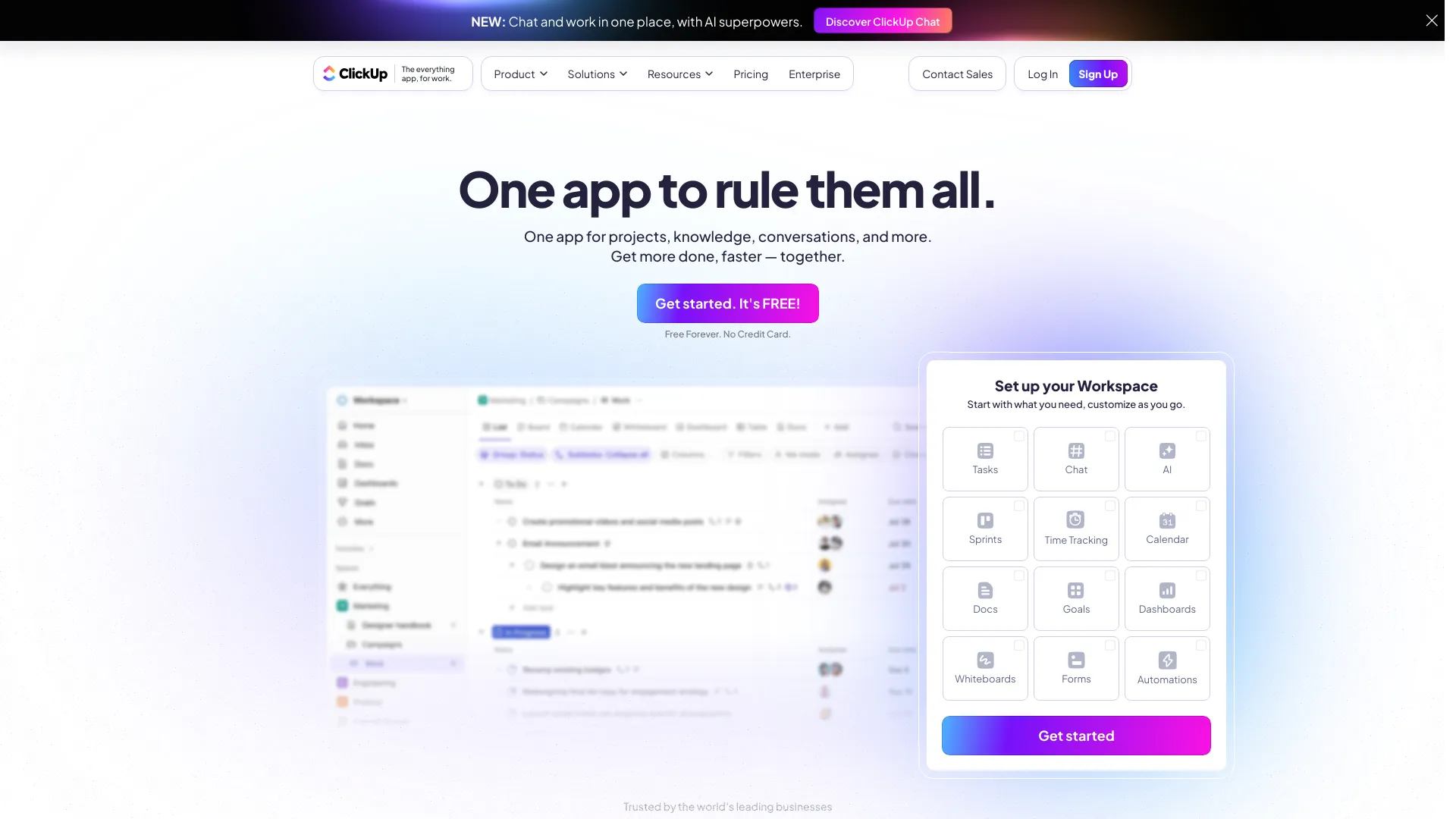
ClickUp handles tasks, projects, and docs in one spot. Its AI transcribes meetings and writes drafts, saving teams time across project workflows.
Key Features:
- No-code automation
- AI transcription
- Custom task setup
- AI add-on option
Pricing:
- Free plan available
- Unlimited: $7/member/month
- AI add-on: $5/month
Best For:
Teams juggling projects and docs together.
Jasper AI
Content creation at scale

Jasper AI pumps out marketing content fast. It keeps your brand voice steady across blogs, videos, and more.
Key Features:
- Multi-step content chains
- Multi-modal outputs
- Brand memory
- 29 languages
Pricing:
- Individual: $99/month
- Enterprise: Custom
Best For:
Marketing teams scaling campaigns.
Make
Drag-and-drop with AI flair
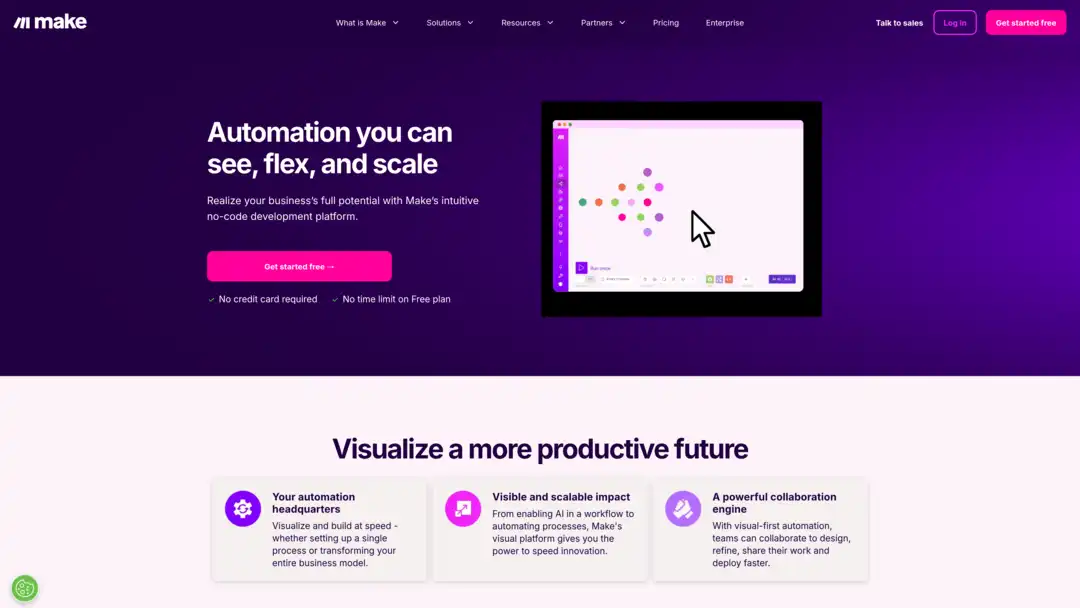
Make (once Integromat) offers easy automation with AI extras. Its templates get you started quickly, and its visual builder is flexible enough for advanced multi-step logic.
Key Features:
- Visual builder
- AI language processing
- Data tools
- Ready-made templates
Pricing:
- Free plan available
- Paid: $9.99/month
Best For:
Businesses wanting simple AI automation.
Glide
No-code apps and workflows on top of your spreadsheets
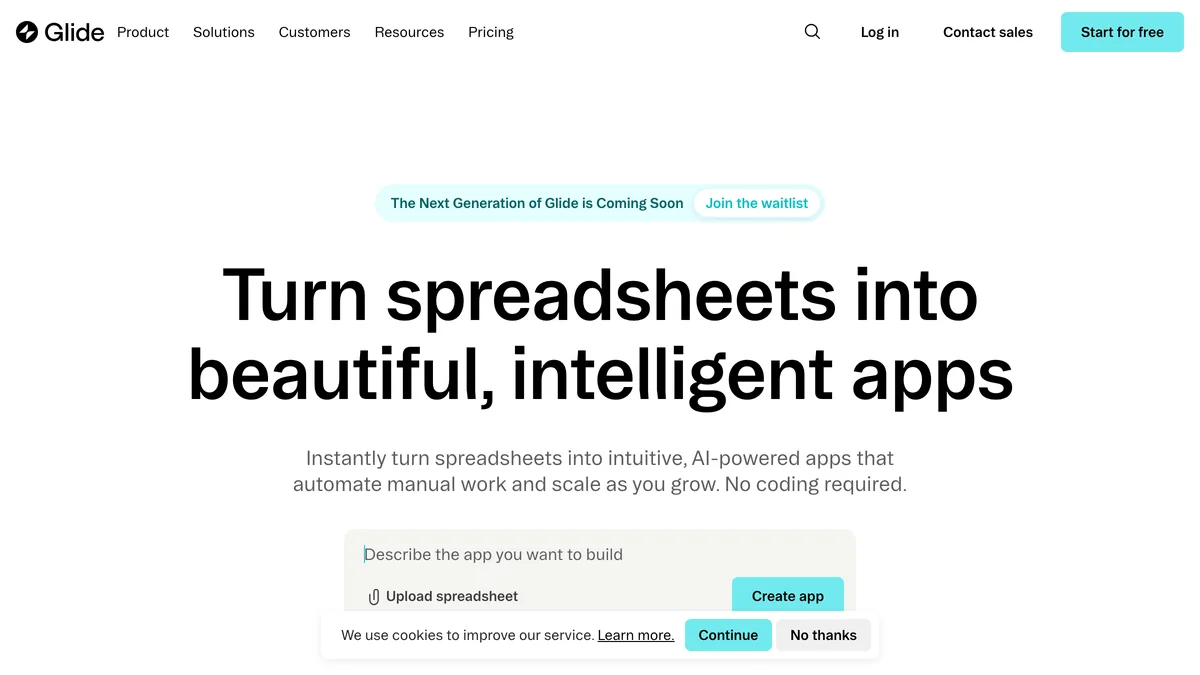
Glide turns Google Sheets, Airtable, Excel, or SQL data into branded business apps with workflow automation built in. The 2026 platform pairs a drag-and-drop builder with Glide AI, which generates apps from natural-language prompts and adds AI agents that draft emails, extract data, and summarise content. Strongest fit for internal tools — inventory, field service, CRMs, client portals — where the data already lives in a spreadsheet.
Key Features:
- Spreadsheet-to-app builder with live data sync (Sheets, Airtable, Excel, SQL)
- Point-and-click workflow editor with triggers, schedules, webhooks, and nested conditions
- Glide AI for generating apps from prompts and embedding AI actions inside workflows
- Role-based access control and white-label custom domains
- Marketplace of 100+ pre-built templates
Pricing (2026):
- Free: $0/month (personal apps and drafts)
- Business: $199/month billed yearly (30 users included, $5/additional user)
- Enterprise: Custom
Best For: SMBs and ops teams turning spreadsheets into branded internal apps with workflow automation baked in.
Cursor
AI-native code editor for engineering workflows
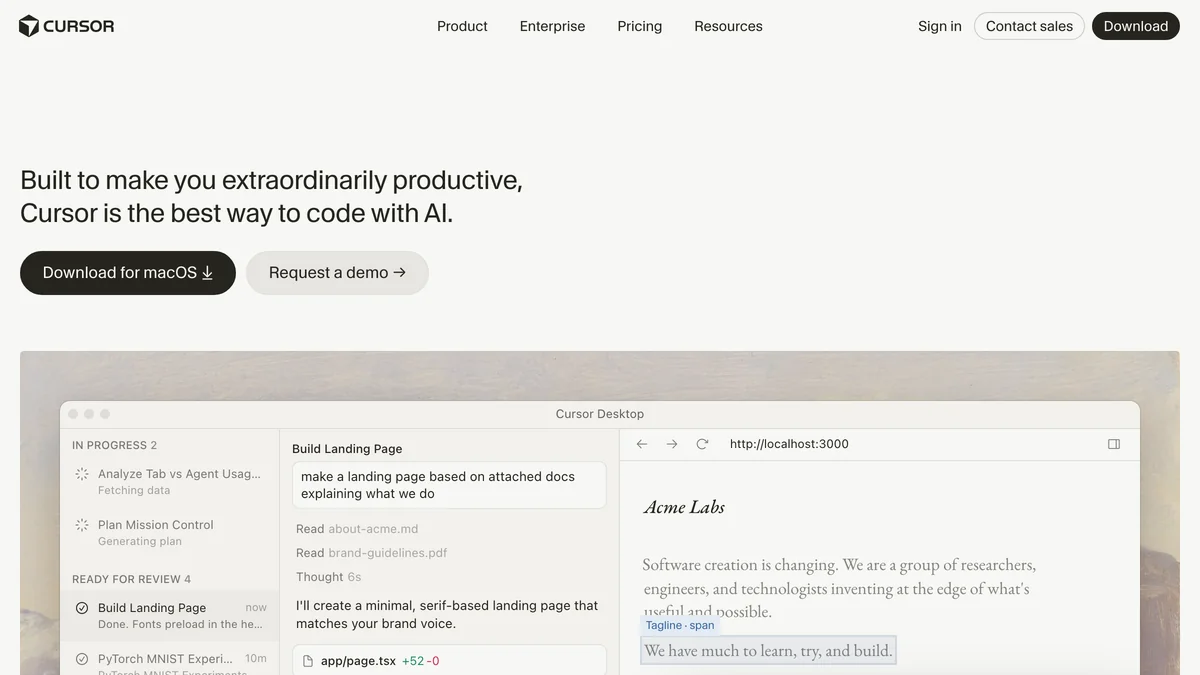
Cursor is the AI-native code editor that has become a default tool for engineering teams in 2026. It's not a no-code builder — it's the developer-side counterpart that pairs with no-code platforms in real workflows. Teams routinely combine Cursor (for the engineering-heavy work) with Zapier or Glide (for the no-code orchestration around it), which is why it shows up alongside them in comparison searches.
Key Features:
- AI-native code editing with natural-language refactors and multi-file edits
- Background agents that complete coding tasks while you work elsewhere
- Codebase-wide context, so the AI understands your full project
- Integrates with Git, terminals, and standard developer tooling
- Tab autocomplete tuned to your codebase patterns
Pricing (2026):
- Hobby: Free with limits
- Pro: $20/month
- Business: $40/user/month
- Enterprise: Custom
Best For: Engineering teams pairing AI coding workflows with no-code automation tools like Zapier or Glide.
Claude Cowork
Anthropic's desktop agent for non-technical knowledge work
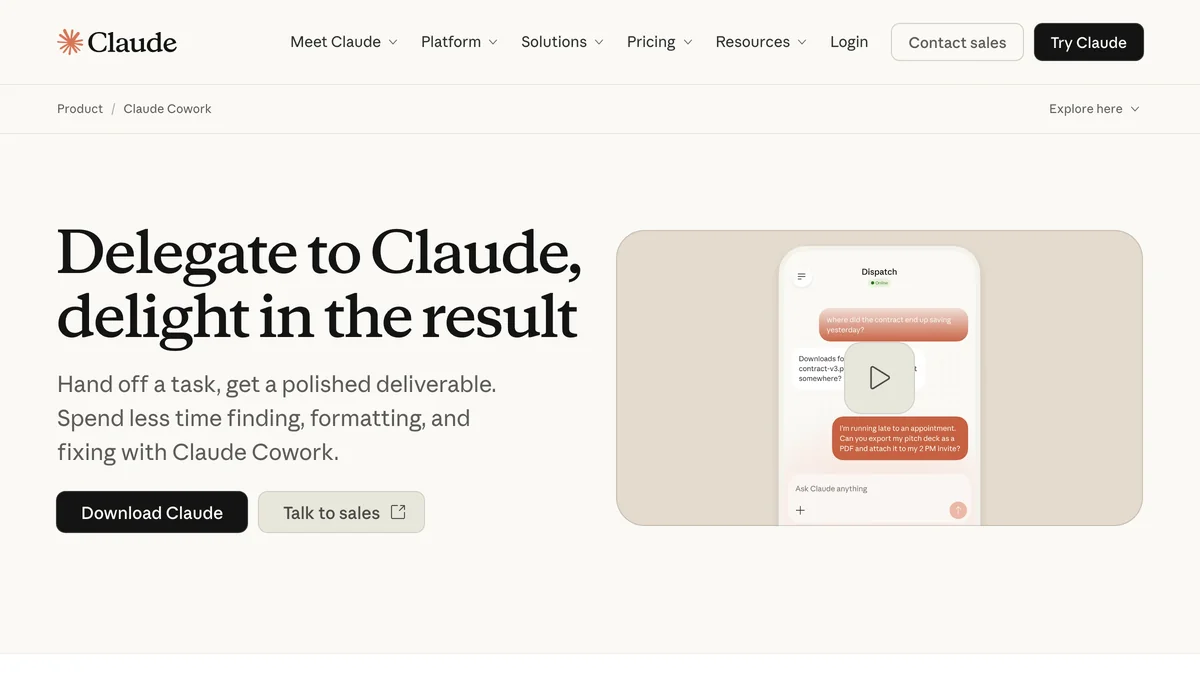
Released by Anthropic in January 2026 and promoted to general availability in April 2026, Claude Cowork brings Claude Code's agentic architecture to non-technical knowledge work. You point it at a folder, describe an outcome, and it works through the task autonomously — reading files, drafting documents, organising directories, generating reports from messy source material. It runs inside the Claude desktop app on macOS and Windows, with a filesystem sandbox for safety.
Key Features:
- Autonomous multi-step task execution on local files and applications
- Filesystem sandbox with user-granted folder access
- Connectors for Gmail, Google Drive, Slack, Notion, Asana, Linear, Jira, Salesforce, and more
- Plugins bundle skills, connectors, and sub-agents into role-specific workflows (sales, finance, legal, marketing, HR)
- Pairs with Claude in Chrome for browser-based tasks
- Projects feature for persistent context across sessions
Pricing (2026):
- Pro: $20/month
- Max: From $100/month
- Team: Standard seats from $20/seat/month billed annually; premium seats from $100/seat/month billed annually
- Enterprise: Custom / usage-based
Best For: Operations, finance, legal, marketing, and research teams handing off file-heavy assembly work — report drafting, data organisation, document automation — to a desktop AI agent.
Glide vs Zapier vs Cursor: no-code workflows compared
For teams comparing Glide apps, Zapier, and Cursor for AI no-code workflows, the three solve different layers of the same problem and are often used together rather than as direct substitutes. This is the practical "glide apps zapier cursor" comparison buyers are usually looking for.
Zapier is the connective tissue — it links 7,000+ apps and triggers actions between them. Use Zapier when the workflow is "when X happens in app A, do Y in app B."
Glide apps is where you build the front-end. Glide turns spreadsheet data into branded no-code apps with their own workflow logic, role-based permissions, and AI actions. Use Glide when your team needs an interface — a CRM, an inventory tracker, a field-service app — sitting on top of structured data.
Cursor is the developer-side counterpart. When a no-code workflow hits its ceiling (custom integrations, bespoke logic, anything that needs real code), Cursor is where engineers extend or replace parts of the stack with AI-assisted coding.
Most real-world implementations chain them: Glide for the user-facing app, Zapier for the cross-app automation, and Cursor for any custom code the no-code layer can't handle.
| Glide | Zapier | Cursor | |
|---|---|---|---|
| Primary use | No-code app + workflow builder | Cross-app automation | AI code editor |
| Audience | Ops, SMBs, non-coders | Anyone, all skill levels | Engineering teams |
| Trigger types | Email, webhook, schedule, form | 7,000+ app triggers | Codebase events, manual |
| AI features | Glide AI agents, content generation | AI Zap builder, AI mapping | AI agents, multi-file refactor |
| Starting price | $199/month | $19.99/month | $20/month |
| Best fit | Apps built on spreadsheet data | Connecting tools you already use | Engineering work alongside no-code |
AI workflow automation tool comparison
| Tool | Key Features | Starting Price |
|---|---|---|
| n8n | Node editor, 400+ integrations, self-hostable | $24/month |
| Zapier | AI Zap builder, 7,000+ apps | $19.99/month |
| Gumloop | Pre-made AI nodes, no-code | $97/month |
| Lindy | Custom AI agents, multi-channel | $49.99/month |
| Bardeen AI | Web scraper, browser-based | $99/month |
| Relay.app | AI builder, human oversight | $19/month |
| Airtable | Custom DB, AI extraction | $6/seat/month |
| ClickUp | AI transcription, task management | $7/member/month |
| Jasper AI | Content chains, multi-modal | $99/month |
| Make | Visual builder, AI templates | $9.99/month |
| Glide | Spreadsheet-to-app, workflow editor, Glide AI | $199/month |
| Cursor | AI-native code editor, background agents | $20/month |
| Claude Cowork | Desktop agent, autonomous file workflows | $20/month |
Frequently Asked Questions
What are the best AI tools for automating design tasks?
For automating design tasks, Jasper AI handles content generation across formats, while Make and Zapier connect tools like Figma, Canva, and Adobe Creative Cloud into automated pipelines. Glide can wrap design assets into branded apps for client review, and Claude Cowork can organise design folders, generate briefs, and assemble client-ready decks from raw assets.
What is AI-powered document automation workflow software?
AI-powered document automation workflow software combines OCR, language models, and rule-based logic to extract, transform, and route documents without manual intervention. The tools on this list that are strongest for AI-powered document automation workflow software are n8n, Make, Gumloop (for document processing), Airtable (for structured extraction), and Claude Cowork (for desktop file workflows). The same category is sometimes searched as AI powered document automation workflow software (without the hyphen) — either phrasing points to the same set of tools.
What are the leading platforms for automating AI workflows?
The leading platforms for automating AI workflows in 2026 are Zapier, n8n, Make, Glide, and Claude Cowork. Zapier and Make lead on integration breadth, n8n leads on customisation and self-hosting, Glide leads on no-code app-and-workflow combinations, and Claude Cowork leads on desktop-native agentic execution.
Where can I find services for building automated AI content workflows?
For building automated AI content workflows, Jasper handles content generation at scale, Gumloop offers a visual no-code builder with pre-built AI nodes, and Zapier or Make orchestrate the surrounding pipeline. Claude Cowork can run the whole workflow end-to-end from a desktop folder.
What are the best AI personal automation tools for creators?
The best AI personal automation tools for creators are Bardeen AI for browser-based content gathering, Gumloop for no-code AI workflows, Lindy for personal AI agents that handle scheduling and inbox triage, and Claude Cowork for organising creator file libraries and assembling deliverables from raw assets.
What are the best AI tools for workflow optimization?
The best AI tools for workflow optimization combine analytics with execution. n8n and Make let you instrument and refine multi-step workflows. ClickUp surfaces bottlenecks across project workflows. Claude Cowork audits and reorganises file-based workflows directly. For purely no-code teams, Zapier's AI Zap builder and Glide's workflow editor are the most accessible starting points.
Which AI platforms have the best workflows for combining OCR, summarization, and event triggers?
For workflows combining OCR, summarization, and event triggers, n8n and Make offer the most flexibility — both support custom OCR nodes, GPT/Claude summarization, and webhook or schedule-based triggers. Gumloop offers the same combination in a more guided no-code interface. Claude Cowork can run all three steps locally on a folder of documents.
Ready to automate with AI?
These 13 AI workflow automation tools are the strongest options going into 2026. Whether you're building no-code apps on top of spreadsheet data with Glide, connecting 7,000 apps with Zapier, automating engineering work with Cursor, or handing off file-heavy knowledge work to Claude Cowork, there's a fit for every team size and skill level.
For AI-powered document automation workflow software, look at n8n, Make, and Claude Cowork. For automating design tasks, pair Jasper with Make or Zapier. For generative AI workflow tools, Gumloop and Lindy lead the no-code pack. And when no-code hits its ceiling, Cursor is where engineering teams extend the stack. AI workflow optimization isn't a single tool — it's a stack choice.
The right pick depends on where the work lives — in apps you already use, on spreadsheets, in code, or in local files on a desktop. Most teams end up using two or three of these together.
Browse the full AI Tools Directory →
Affiliate disclosure: LineZine maintains affiliate relationships with several tools in this guide. Affiliate links do not affect rankings or editorial recommendations.