AI Document Platforms for HR: Best Tools, Use Cases, and Buyer's Guide (2026)
The definitive 2026 guide to AI document platforms for HR. Compare the most popular tools, see what AI-assisted document review actually does well, and find the right platform for teams of any size.
Last updated: April 2026 · Reviewed quarterly by the LineZine editorial team
An AI document platform for HR is the system that quietly does the work nobody on your people team wants to do anymore: reading 400 offer letters for inconsistencies, classifying onboarding paperwork into the right folders, surfacing the one clause in the handbook a manager actually needs, and flagging the contract that's missing a signature. The category has matured fast in 2026 — what used to be a bolt-on feature inside an HRIS is now a real product decision, with separate buyers, separate budgets, and a separate evaluation process.
This guide covers the tool landscape, the use cases that work today versus the ones that still don't, the security considerations that matter for HR data specifically, and a buyer's framework for matching a platform to your team. It's structured so you can jump to the section that maps to your question — popularity rankings, top-rated picks, document-review feasibility, automated classification for onboarding, secure tools for policy lookup, RPA-style workflows, or the 1,000–10,000 employee mid-market scenario — and it ends with a buyer's checklist and FAQ.
TL;DR — top picks for 2026:
- Best overall, mid-market: Rippling — deepest AI document automation across the HRIS-document boundary
- Best for global compliance: Deel — strongest multi-jurisdiction document handling with built-in classification
- Best for security-conscious enterprises: Workday — most mature audit, access control, and compliance posture
What is an AI document platform for HR?
An AI document platform for HR is software that uses machine learning — typically large language models combined with document-specific extraction and classification models — to handle the lifecycle of HR documents: intake, classification, routing, review, search, generation, and archival. These platforms sit alongside or inside the HRIS and replace what used to be a mix of shared drives, e-signature tools, and manual review.
The "AI" part isn't just buzzword decoration. A genuine AI HR document platform does at least three of the following: automatically classifies incoming documents (offer letter vs. I-9 vs. policy ack), extracts structured fields from unstructured PDFs, lets employees ask natural-language questions of policy documents and returns cited answers, drafts new documents from templates plus context, or detects anomalies during review (missing clauses, inconsistent terms, expired references). Tools that only store and e-sign documents are document management systems — useful, but not what buyers mean when they search for an AI document tool for HR.
The most popular AI document platforms for HR in 2026
This is the practical shortlist. We've ranked these by a combination of market share in HR specifically (not the vendor's overall ARR), depth of AI features tied to documents rather than generic HR automation, and integration breadth with the HRIS layer most companies already run on. Each entry covers what it's best for, the AI capabilities that actually matter, and the pricing tier so you can rule things out fast.
1. Rippling
All-in-one HRIS with the strongest document AI of the unified platforms.
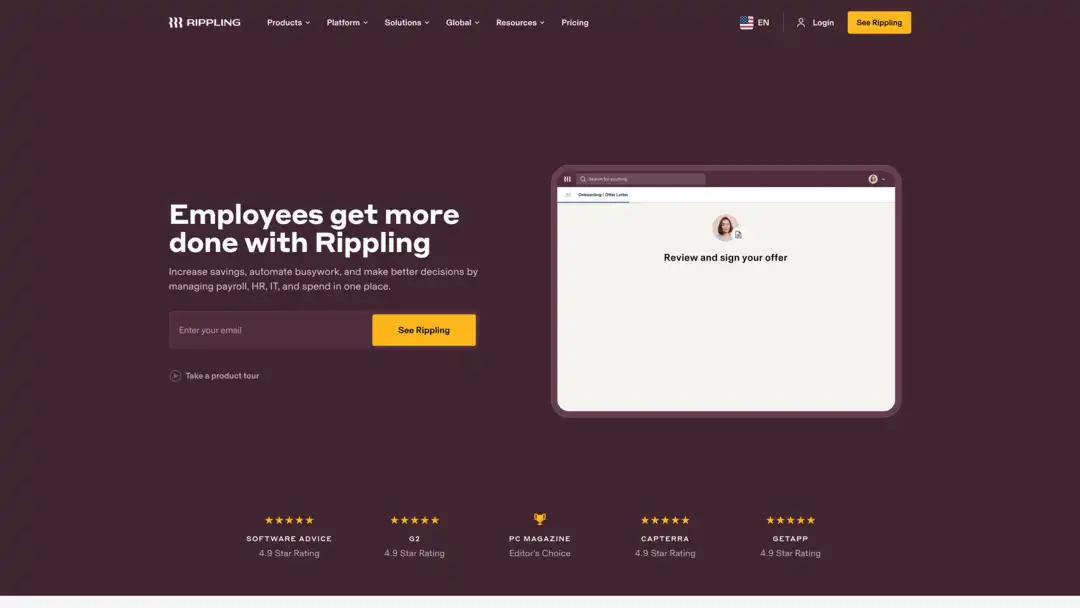
Rippling pairs a real HRIS with document AI that handles the full onboarding-to-archive lifecycle in one product. The classification engine is best-in-class on US onboarding forms, and the policy search works across employee files, contracts, and benefits documents in a single query.
Best for: mid-market companies that want their HRIS, payroll, and document automation under one roof.
AI capabilities: automated classification across onboarding, contract review with anomaly flagging, natural-language policy search, document generation from approved templates.
Pricing: per-employee, starts around $8/user/month with document AI in the higher tiers.
2. Workday
The enterprise standard for document intelligence at scale.
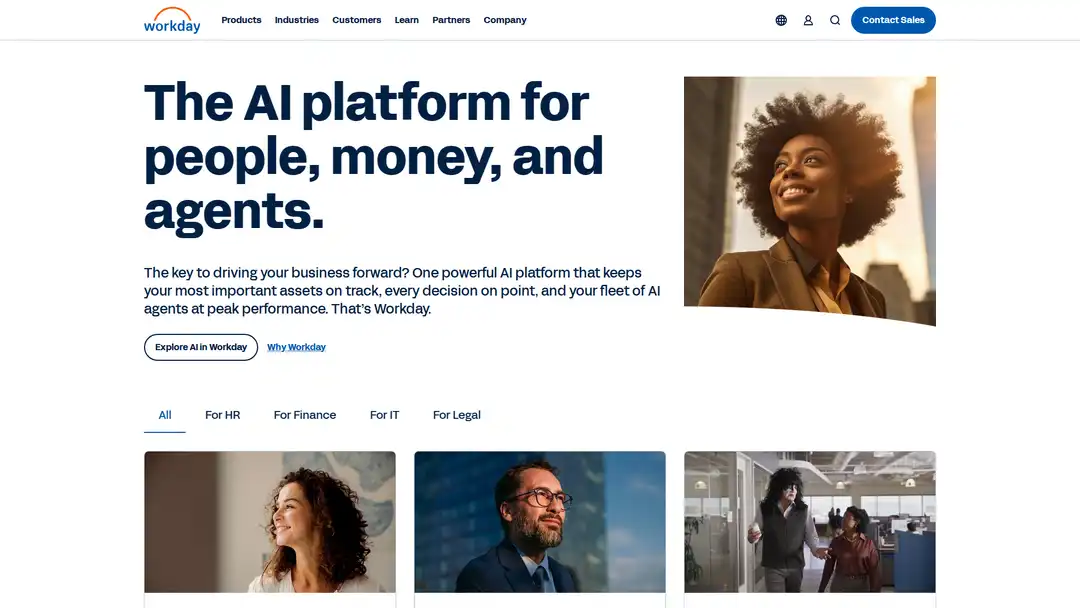
Workday is the dominant choice once you're past 5,000 employees. The document AI is mature, the audit and access controls are the strongest in the category, and the integration with Workday's broader HCM analytics means HR documents become part of one model rather than a separate silo.
Best for: organisations over 5,000 employees with serious compliance requirements.
AI capabilities: deep document classification, audit-grade extraction, policy lookup tied to role-based access controls, integration with Workday's broader HCM intelligence.
Pricing: enterprise quote-based, typically $100–$200/employee/year fully loaded.
3. BambooHR
The mid-market favourite, with AI document features that have matured significantly in the past year.
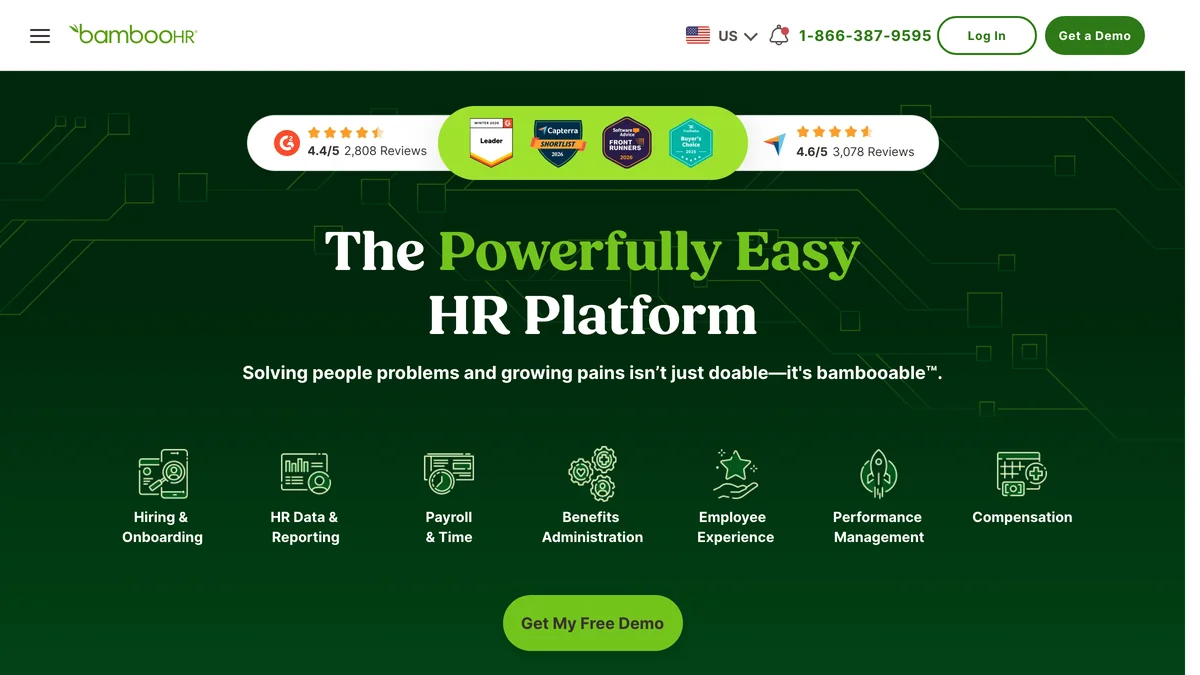
BambooHR's document AI used to be a thin layer on top of solid document management; in the past 12 months it's caught up to the unified-HRIS leaders on classification and search. Pricing transparency is the best in the top tier.
Best for: 100–1,000 employee companies that want straightforward, well-designed tools without enterprise complexity.
AI capabilities: document classification, e-signature with smart field detection, policy library with search, basic automated review.
Pricing: starts around $6/user/month, document AI in mid and top tiers.
4. Deel
The global compliance leader, and the platform that handles cross-border document complexity better than anyone.
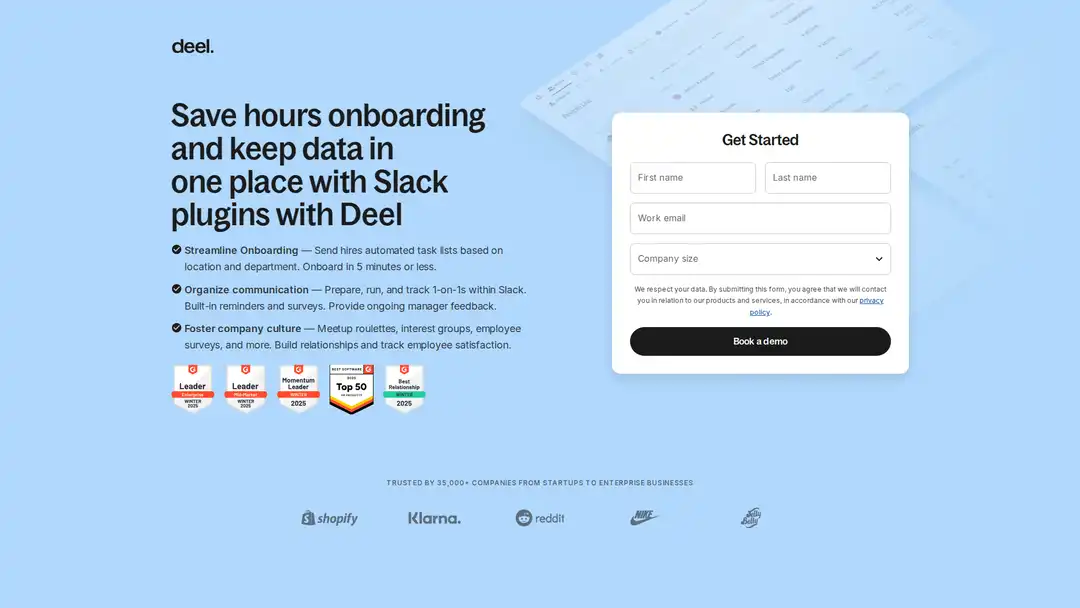
Deel is the only platform whose document model treats jurisdiction as a first-class concept rather than an afterthought. Contracts localise automatically, classification works across non-Latin-script forms, and the compliance-aware review surfaces clauses that won't hold up in a given country.
Best for: companies hiring across multiple countries, contractors and full-time staff in mixed jurisdictions.
AI capabilities: automated localisation of contracts to jurisdiction, multi-language document classification, compliance-aware review that flags clauses that won't hold up in a given country.
Pricing: per-contract or per-employee, scales with seats.
5. Gusto
Strong choice for US-focused small and mid-sized businesses.
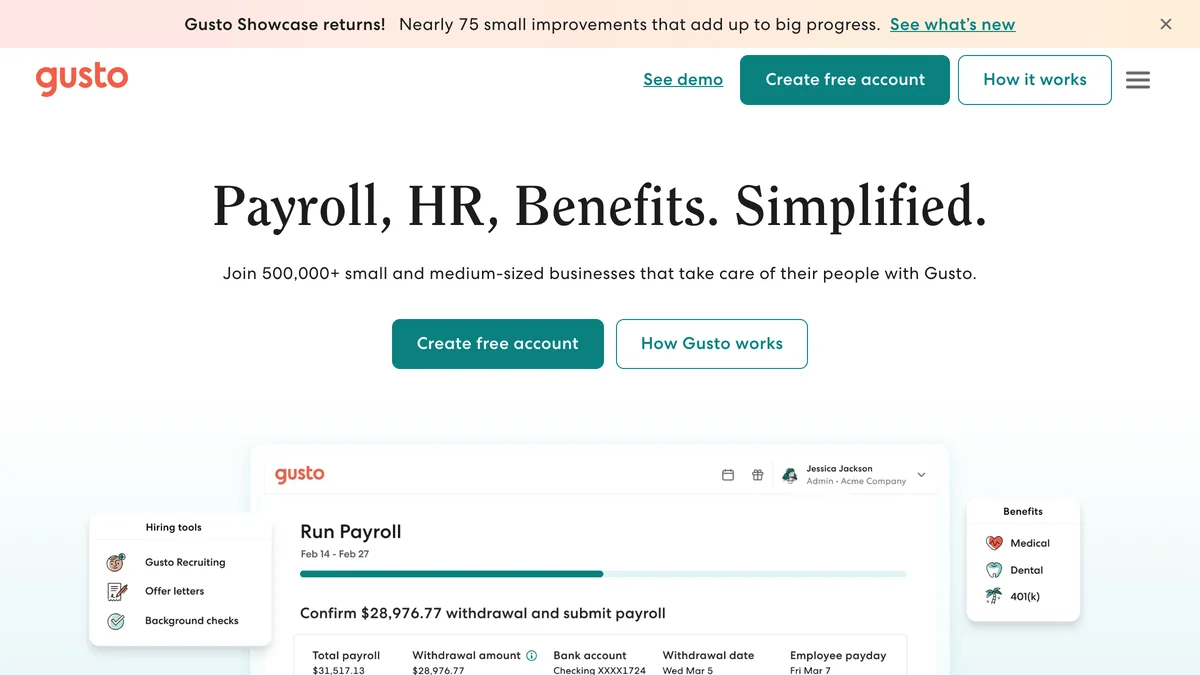
Gusto's document AI is narrow but reliable: it knows the US onboarding form set cold (I-9, W-4, state forms) and pushes extracted data into payroll without re-entry. Outside the US it's not the right pick.
Best for: US companies under 500 employees.
AI capabilities: automated onboarding document classification (I-9, W-4, state forms), e-signature with field detection, policy ack tracking.
Pricing: tiered per-employee plans starting around $40/month + $6/user.
6. HiBob
Modern HRIS with growing document AI, popular with tech and creative companies.
HiBob's strength has always been employee experience; the document AI has caught up significantly to Rippling and BambooHR over the past year. The intelligent search across policies and people data is the standout feature for HR teams that get a lot of inbound questions.
Best for: 50–1,500 employee companies that prioritise employee experience.
AI capabilities: document classification, intelligent search across policies and people data, AI-assisted document generation.
Pricing: quote-based, mid-market pricing.
7. Personio
The European leader, particularly strong on EU compliance and data residency.
Personio is the natural pick for EU-headquartered companies and for US companies with meaningful EU operations. The document AI is GDPR-aware by design, the multilingual policy lookup actually works, and the multi-jurisdiction policy versioning is the best in the category.
Best for: EU-headquartered companies or US companies with significant EU operations.
AI capabilities: GDPR-aware document classification, multilingual policy lookup, automated review tuned for European employment law.
Pricing: per-employee, EU-region hosting available.
8. Lattice
Performance-focused HR platform with document AI that shines on review-cycle paperwork.
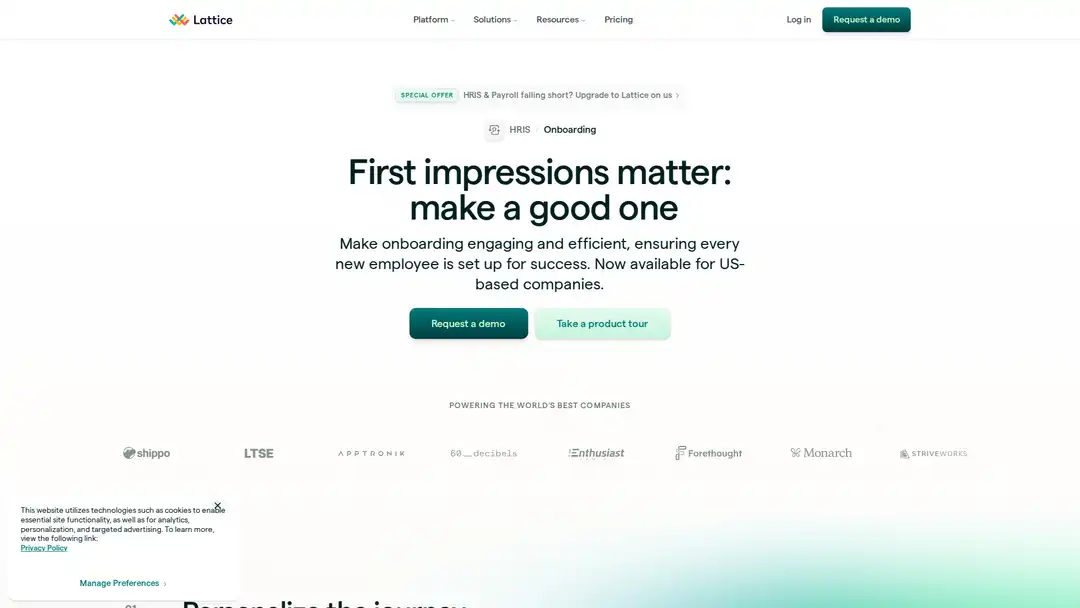
Lattice's document AI is most useful where performance management and document workflows overlap — drafting review documents, summarising long-form feedback, and surfacing themes across a manager's reports. It's not a general-purpose HR document platform, but it's excellent at what it covers.
Best for: companies where performance management and document workflows overlap heavily.
AI capabilities: AI-assisted review document drafting, feedback summarisation, policy search.
Pricing: per-user tiered.
9. Notion AI for HR
The lightweight option for companies running their HR ops out of Notion.
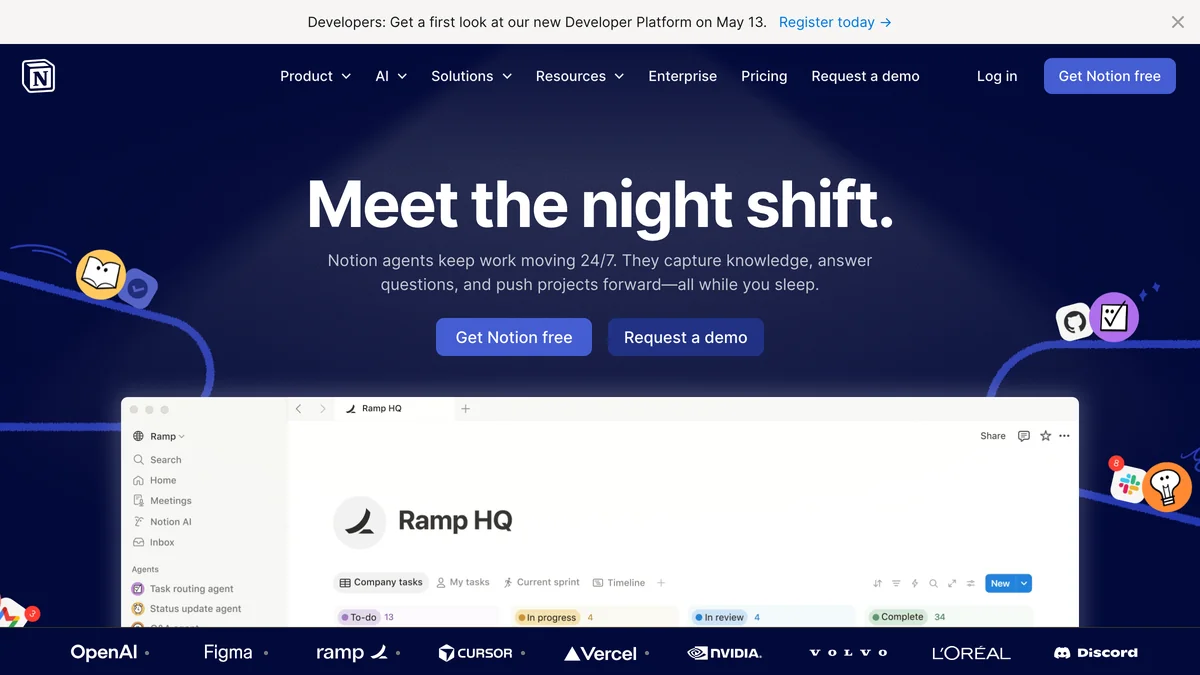
If your HR operating system is already Notion, the Notion AI add-on covers the basics — handbook Q&A, document drafting, basic classification — without forcing you to adopt a separate tool. It's the right answer at small scale and the wrong answer once HR document volume grows past a small team.
Best for: startups and small companies (under 100 people) that already use Notion as their operating system.
AI capabilities: policy lookup with natural-language Q&A, document generation, basic classification.
Pricing: Notion AI add-on, ~$10/user/month on top of Notion seats.
10. DocuSign with AI add-ons
The e-signature standard, now with AI document review and extraction layered on.
For companies whose HR document pain is concentrated in contracts and signed agreements rather than the full lifecycle, DocuSign's Insight product adds contract analytics, automated field extraction, and anomaly detection on signed agreements without changing the e-signature workflow your team already knows.
Best for: companies whose HR document pain is concentrated in contracts and signed agreements rather than the full HR document lifecycle.
AI capabilities: contract analytics (Insight), automated field extraction, anomaly detection on signed agreements.
Pricing: DocuSign business tiers + Insight add-on.
11. Custom Anthropic and OpenAI builds
The build-it-yourself option, increasingly viable in 2026.
If your document workflows are specific enough that no SaaS fits cleanly — or if you have engineering resources that can sustainably maintain it — building directly on Anthropic or OpenAI APIs is more competitive than it was a year ago. Most builds are a thin orchestration layer over classification, extraction, and a Q&A retrieval pipeline.
Best for: companies with engineering resources and document workflows specific enough that no SaaS fits cleanly.
AI capabilities: whatever you build — typically document classification, extraction, and a Q&A layer over a vector store of HR documents.
Pricing: API costs (usually $50–$500/month for typical HR document volumes) plus engineering time.
Visit the Anthropic API website
12. Leena AI
Conversational HR platform with strong policy-lookup AI.
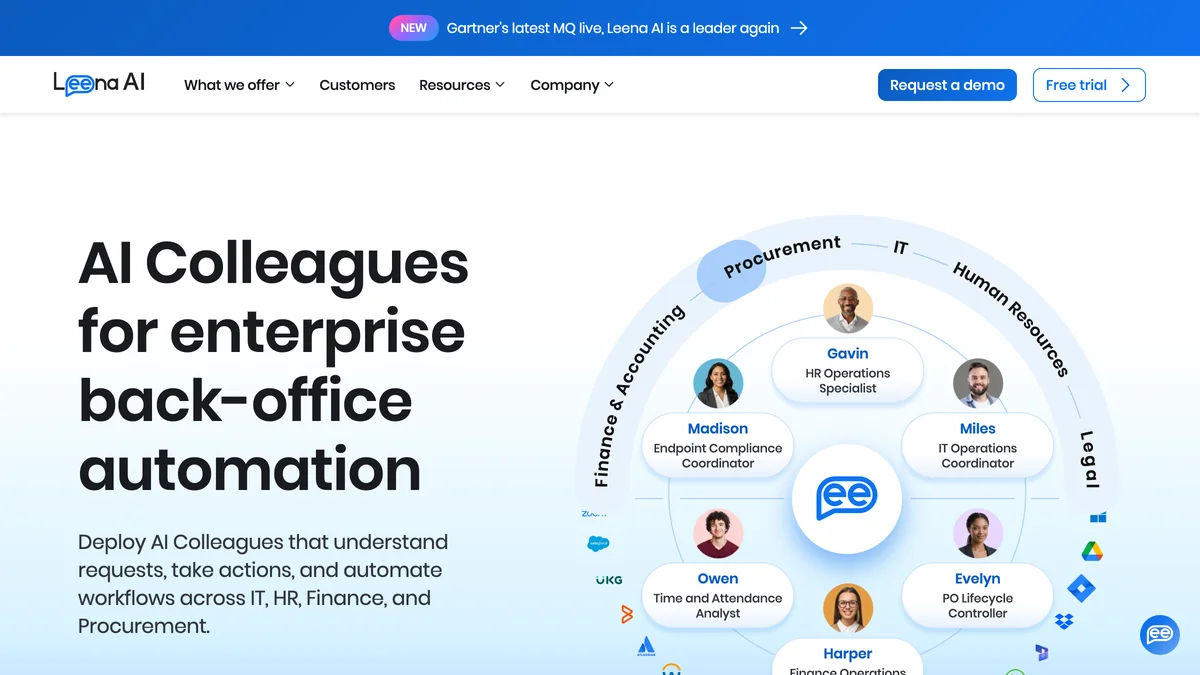
Leena AI is the right pick when the primary problem is "employees keep asking the same questions". The conversational layer is grounded in your actual document set, so answers cite real policies rather than hallucinating, and routine HR queries auto-resolve without a ticket.
Best for: companies whose primary HR-AI need is employees getting answers to policy questions without filing tickets.
AI capabilities: natural-language policy Q&A, document search, auto-resolution of common HR queries grounded in your actual document set.
Pricing: per-employee, mid-market and enterprise tiers.
The right choice depends on which of these capabilities you actually need — covered in the buyer's guide below — but if you're going to evaluate three, the most common shortlist for mid-market companies in 2026 is Rippling, BambooHR, and HiBob; for enterprises it's Workday, Deel, and Personio.
Top rated AI document tools for HR
The popularity ranking above reflects market position. The top-rated ranking reflects something different: how well a tool actually performs once a buyer has it in production. We track this through a combination of customer review aggregates (G2, Capterra, TrustRadius), depth interviews with HR leaders running each tool, and direct feature evaluation against a fixed test suite of HR document scenarios.
How we evaluated
Each tool is scored across five weighted criteria:
- Security and compliance (25%) — SOC 2 Type II, ISO 27001, GDPR posture, HIPAA where applicable, data residency options, audit logs
- Integration depth (20%) — native connections to the major HRIS platforms, e-signature tools, ATS systems, and identity providers
- AI capability depth (20%) — accuracy of classification on a fixed test set of 200 HR documents, quality of extraction, hallucination rate on policy Q&A
- Pricing transparency (15%) — published pricing, predictable scaling, no hidden enterprise gating
- Customer reviews (20%) — weighted average of G2 and Capterra scores, with recency adjustment so reviews from the past 12 months count more than older ones
The 2026 top-rated picks
1. Rippling — Highest combined score in 2026, driven by AI capability depth (best classification accuracy in our test set) and integration breadth. Trade-off: pricing transparency suffers above the base tier — document AI is gated behind higher plans.
2. Workday — Wins outright on security and compliance and on the AI capabilities that matter at enterprise scale (audit-grade extraction, role-based policy lookup). Trade-off: poor pricing transparency and a long implementation cycle.
3. Deel — Top-rated for any team with international document complexity. Multi-jurisdiction handling is genuinely better than competitors and the AI is tuned for it rather than retrofitted. Trade-off: less compelling for purely domestic teams.
4. BambooHR — Highest customer-review scores in the mid-market segment and the most pricing-transparent option in the top tier. Trade-off: AI capabilities are solid rather than leading.
5. HiBob — Strongest employee experience among the top-rated tools, with document AI that's caught up significantly to Rippling and BambooHR in the past year. Trade-off: smaller third-party integration ecosystem.
The full evaluation methodology, test set composition, and review weighting is documented in the Methodology section below.
Best AI document management platforms for HR
The previous two sections ranked tools by AI capability and overall performance. This one ranks them on document management specifically — storage, organisation, lifecycle, retention, search, and the unglamorous infrastructure of keeping HR documents organised at scale. Some of the same tools appear, but in a different order, because being good at AI features and being good at document management are related but distinct.
The comparison table below is the fastest way to scan the field. Detail follows.
| Tool | Storage limits | AI search | Auto-classification | E-signature | Compliance certs | Starting price |
|---|---|---|---|---|---|---|
| Rippling | Unlimited | Yes (native) | Yes | Native | SOC 2 Type II, ISO 27001 | $8/user/mo |
| Workday | Unlimited | Yes (native) | Yes | Via integration | SOC 2 Type II, ISO 27001, HIPAA, FedRAMP | Quote |
| BambooHR | Tiered by plan | Yes (mid+ tiers) | Yes | Native | SOC 2 Type II | $6/user/mo |
| Deel | Unlimited | Yes (native) | Yes | Native | SOC 2 Type II, ISO 27001, GDPR-cert | Per contract |
| Gusto | Unlimited | Limited | Yes (US forms) | Native | SOC 2 Type II | $40/mo + $6/user |
| HiBob | Unlimited | Yes (native) | Yes | Native | SOC 2 Type II, ISO 27001, GDPR | Quote |
| Personio | Unlimited | Yes (native) | Yes | Native | SOC 2 Type II, ISO 27001, GDPR-cert, EU hosting | Quote |
| Lattice | Tiered by plan | Yes (mid+ tiers) | Limited | Via integration | SOC 2 Type II | Per user |
| Notion AI | Workspace-tiered | Yes (native) | Limited | Via integration | SOC 2 Type II | $10/user/mo add-on |
| DocuSign | Per-envelope tier | Yes (Insight add-on) | Insight add-on | Native (the standard) | SOC 2 Type II, ISO 27001, HIPAA, FedRAMP | Tiered |
| Leena AI | Unlimited | Yes (native) | Yes | Via integration | SOC 2 Type II, ISO 27001 | Quote |
Where each platform stands out for document management specifically
- Best lifecycle and retention controls: Workday and Personio. Both treat retention rules, automated archival, and legal-hold workflows as first-class features rather than add-ons.
- Best search across mixed document types: Rippling and HiBob. Both index across policies, employee files, contracts, and benefits documents in one query.
- Best version control on policies: Personio and Notion AI, for very different reasons — Personio because of multi-jurisdiction policy versioning, Notion because of its native page-history model.
- Best for organisations with both employees and contractors: Deel — the only platform with a document model that handles both populations natively, including different retention and compliance rules.
If you're picking primarily on document management strength, the shortlist narrows: Workday for enterprise, Rippling for mid-market, Personio for EU operations, Deel for global hiring.
AI-assisted document review for HR
This is the use case generating the most queries in 2026, and also the one most likely to be misunderstood. AI-assisted document review for HR isn't a single feature — it's a category covering everything from "summarise this 40-page handbook" to "flag any offer letter where compensation language is inconsistent with our band structure." What's feasible, what's beneficial, and what's still risky depends entirely on which sub-use-case you mean.
Use cases that work well today
- Offer letter consistency checks. AI review is reliable at flagging inconsistencies between an offer letter and a reference template — wrong title, missing clauses, compensation outside expected ranges, missing equity language. This is high-volume, low-risk, and the time savings compound.
- Contract review for standard agreements. NDAs, vendor agreements, and standard employment contracts are well-suited to AI extraction and anomaly flagging. Non-standard or heavily negotiated contracts still need a human reviewer.
- Policy acknowledgement tracking. AI is excellent at parsing acknowledgement signatures, timestamps, and version associations across thousands of employees, surfacing anyone who signed an outdated version.
- Performance review documentation. AI summarisation of long-form review documents, theme extraction across a manager's reports, and consistency checks against company review rubrics all work well.
- Grievance documentation organisation. AI can classify, tag, and surface relevant precedent documents from a grievance archive — without making judgment calls about the cases themselves.
Feasibility: what works, what doesn't
Feasibility for AI-assisted document review in HR breaks cleanly along two axes: how structured the document is, and whether the AI's output is being used as a draft (human reviewed) or as a final decision (AI-binding).
What's feasible now: extraction (pulling structured fields out of unstructured documents), classification (routing documents to the right workflow), summarisation (compressing long documents into briefings), and anomaly detection (flagging deviations from a reference). All of these are draft-quality outputs that humans then act on.
What isn't feasible — and shouldn't be attempted in 2026 — is AI making legally binding judgments about HR documents. This includes determining whether a grievance has merit, whether termination documentation is sufficient, or whether a policy violation occurred. Even where the AI's reasoning would be correct, the legal and ethical exposure of removing the human in the loop isn't worth it. Every tool in the popular shortlist treats AI output as a draft for human review, and that's the right design choice.
Benefits: what HR teams actually report
The honest version: time savings are real but not as dramatic as vendor case studies claim. The pattern we see in interviews with HR leaders running these tools at scale:
- Document classification and intake: 60–80% time reduction on the work it replaces. This is the benefit that pays for the tool by itself in mid-market and larger companies.
- Initial document review (drafting feedback for human reviewers): 30–50% time reduction. The reviewer still reads everything, but starts from a much better position.
- Policy lookup and Q&A: Hard to measure precisely, but the most-cited qualitative benefit is "we stopped getting the same five questions over and over."
- Anomaly detection on signed documents: Catches errors that would have been missed by humans roughly 5–10% of the time on standard agreements. Small in percentage terms, large in dollar terms when one of those errors would have been costly.
The reported benefits get larger with scale. A 50-person company will see real but modest gains; a 5,000-person company often sees the tool pay for itself in a single quarter.
Challenges to plan for
- Hallucination on policy Q&A. Even good tools occasionally cite policies that don't exist or misquote real ones. The mitigation is grounded retrieval (the AI must cite specific document passages) and a human escalation path for any answer with consequences.
- Audit trail completeness. AI-touched documents need complete audit trails — who saw what, when, what the AI said, what the human decided. Some tools make this easy; some require integration work.
- Consent and disclosure. In some jurisdictions (notably the EU and parts of the US), employees have a right to know when AI is involved in decisions about their employment documents. This requires both a legal review of your disclosure language and a tool that can produce records of where AI was used.
- Bias in extraction and review. AI models can encode biases that show up in subtle ways — flagging certain names or credentials at different rates, summarising performance feedback differently across groups. Periodic auditing of AI outputs against human baselines is now a standard control in mature deployments.
- Document privacy and training data. Make sure you understand whether your documents are used to train the vendor's models. The default for the platforms in the popular list above is no, but always confirm in the contract.
Automated document classification for HR onboarding
Document classification is the unglamorous workhorse of HR onboarding automation. Every new hire generates a stack of paperwork — I-9s, W-4s, state tax forms, NDAs, IP assignments, benefits enrolment, handbook acknowledgements, direct deposit forms, emergency contact records — and most of it arrives in formats that are nominally standardised but practically inconsistent. Automated classification is what turns that mess into a structured intake process.
What document classification means in onboarding
In an HR onboarding context, automated document classification does three things in sequence: identifies what type of document a given file is (I-9 vs. W-4 vs. NDA), extracts the structured fields from it, and routes it to the right downstream system (payroll, HRIS, compliance archive). Good classification handles edge cases like documents scanned upside-down, multi-document PDFs that need splitting, photos of forms taken on a phone, and forms partially filled in by previous employers.
The accuracy bar that matters: classification errors cascade. A misclassified I-9 doesn't just sit in the wrong folder — it can mean a missed compliance deadline. So while 95% accuracy sounds high, it isn't, when 5% of a 200-person onboarding cohort means 10 documents in the wrong place. The leading tools in 2026 are at 98–99% on standard US onboarding forms, and most of them route the remaining edge cases to human review rather than guessing.
Tools that do this well
For automated document classification specifically, the shortlist is narrower than the general AI document platform list:
- Rippling — Best-in-class accuracy on US onboarding forms; particularly strong on multi-document PDF splitting.
- Deel — The only tool that handles classification accurately across a wide range of countries, including non-Latin-script forms.
- Workday — Most accurate at scale (10,000+ documents in flight), with the strongest exception-handling routing.
- Gusto — Solid choice for US-only operations under 500 employees.
- Custom builds on Anthropic or OpenAI APIs — Increasingly competitive where you have document types unique to your organisation, especially for industries (healthcare, financial services) where standard tools miss specialised forms.
Integration points that matter
Classification is only useful if the classified output flows somewhere. The integration points to evaluate:
- ATS to HRIS handoff — does the tool pick up documents from your applicant tracking system and route them automatically?
- Payroll provider — for tax and direct deposit forms, the tool needs to push extracted data into the payroll system without re-entry.
- Compliance archive — long-retention documents (I-9s, NDAs) need to land in an immutable archive with the right retention rules applied automatically.
- Identity provider — most onboarding flows need to provision accounts based on confirmed onboarding completion.
For more on the broader onboarding picture — the HR-document angle is one slice of a larger automation surface — see our companion guide on AI onboarding tools.
Secure AI tools for HR document and policy lookup
HR documents are some of the most sensitive data inside any company: salaries, performance issues, medical accommodations, disciplinary records, immigration status. The security bar for AI tools that touch this data has to be higher than for marketing or engineering tools, and in 2026 it's becoming a board-level question. This section covers the certifications, controls, and questions to use when evaluating any tool against that bar.
The certifications to insist on
- SOC 2 Type II — non-negotiable. Type I is a snapshot; Type II covers a sustained operating period and is what auditors want to see. Every tool in the popularity shortlist has it.
- ISO 27001 — important for any tool handling EU data or for companies operating internationally. Most enterprise-focused tools have it; some mid-market tools don't.
- GDPR posture — for any company with EU employees, even one. Look for explicit GDPR documentation, EU-region data hosting options, and clear data processing agreements.
- HIPAA — required if your HR documents include any health information (which they often do, even when companies don't realise it — accommodation requests, medical leave documentation, benefits enrolment). Workday and DocuSign are HIPAA-ready out of the box; others require specific configuration.
- FedRAMP — only relevant for government contractors and a small number of federal-adjacent industries. Workday and DocuSign are the main FedRAMP-authorised options in this category.
Data residency and where AI inference runs
This is the specific question most security teams now ask first: when your HR document is processed by the AI, where does it physically go? Three answers matter:
- Where is the document stored? EU companies often need EU-region storage; some need country-specific.
- Where is the AI inference performed? Some platforms route to a US-based LLM provider even if storage is EU. This may or may not be acceptable under your DPA — confirm.
- Is the document retained by the inference provider? The default for enterprise-tier API access on Anthropic, OpenAI, and the major model providers is no, but verify the contract chain.
The platforms with the cleanest answers here in 2026 are Personio (EU-native, EU inference), Workday (multi-region with full data residency control), and Deel (region-aware processing matched to where the employee is located). Most other tools can be configured to meet these requirements but require active work to do so.
PII redaction and access controls
Beyond the perimeter security covered by certifications, three controls matter for AI document tools specifically:
- PII redaction in AI processing. When the AI processes a document, can sensitive fields (SSN, bank details) be redacted before the document hits the model? Some tools do this automatically; some require configuration; some don't do it at all.
- Role-based access at the document level. Standard HRIS access controls aren't enough — you need to control which AI features each role can use. A manager should be able to ask the AI about general policies, not pull up another employee's compensation history.
- Audit logs of AI activity. Every AI query against your document corpus should be logged with the user, the query, the documents retrieved, and the answer returned. Workday, Personio, and Rippling lead here; smaller tools often don't have this yet.
Vendors that publish their security posture clearly
The honest signal of a tool taking security seriously is whether the vendor makes it easy to evaluate without a sales call. Workday, Deel, Personio, and Rippling all publish detailed trust centres with current certifications, data flow diagrams, and DPA templates available without contact. That transparency is itself a useful filter.
HR policy document platforms
A smaller but distinct category: tools optimised for creating, formatting, distributing, and tracking HR policy documents rather than the broader employee document lifecycle. The buyer here is usually someone running employee handbooks, code of conduct documents, multi-jurisdiction policies, or compliance acknowledgement programs — work that has its own rhythm and toolset.
The top platforms for formatting and distributing HR policy documents in 2026:
- Personio — Strongest multi-jurisdiction policy versioning. Lets you maintain a single master policy with country-specific variants and track which version each employee acknowledged.
- Notion AI — Excellent for companies that want their handbook to be a living document with full edit history, easy formatting, and embedded AI Q&A.
- AirMason — Specialised handbook builder with strong formatting and brand control; integrates with major HRIS platforms for acknowledgement tracking.
- Trainual — Combines policy distribution with training and onboarding flows; good for companies whose policies and SOPs blur into each other.
- BambooHR — Solid built-in policy distribution if you're already on the platform; AI-powered acknowledgement reminders are useful.
The best platforms in this segment share three traits: clean formatting and brand control (handbooks should look like the company), version control with mandatory re-acknowledgement when policies change, and multi-channel distribution (web, mobile, PDF) so employees can read the policy where they actually are.
RPA and AI for HR document workflows
Robotic process automation came out of the back-office automation world — UiPath, Automation Anywhere, Blue Prism — and over the past two years it's become a serious option for HR document workflows specifically. The buyer here is different from the buyer of an HR-native tool: usually a larger organisation that already has an RPA practice and is looking to extend it into HR, or an HR team that's hit the ceiling of what their HRIS-native automation can do.
When RPA makes sense for HR documents
RPA fits HR document workflows when at least one of these is true: your document workflow spans systems that don't have native integrations with each other, your volume is high enough that the cost per document of an RPA bot beats a SaaS subscription, or you have process complexity that goes beyond what configurable HRIS automation can handle.
The classic example: an onboarding workflow that needs to take a signed offer letter, extract specific fields, create a record in three different systems (HRIS, payroll, IT provisioning), generate a welcome packet from a template, and send it through DocuSign. Most HR-native platforms can do most of that — but if the pieces don't quite line up with what your HRIS supports, an RPA bot can stitch the pieces together.
Best RPA tools for HR document workflows
- UiPath HR Accelerators — The most mature offering, with pre-built bots for common HR document workflows and the strongest AI-document integration through UiPath's Document Understanding product.
- Automation Anywhere HR Bots — Strong document processing with the IQ Bot product; popular in larger enterprises that have standardised on Automation Anywhere.
- Blue Prism — Deeper customisation; preferred by very large organisations with specialised compliance requirements.
- Microsoft Power Automate + AI Builder — Increasingly viable, especially for organisations standardised on Microsoft 365. Lower cost of entry, less specialised HR pre-built content.
- Custom GPT/Claude integrations — For HR-specific document workflows where the AI capability matters more than the orchestration layer, building directly on Anthropic or OpenAI APIs is often faster and cheaper than wrapping an RPA platform.
How AI fits into RPA HR workflows
The shift in 2026 is that the AI layer (classification, extraction, generation) is increasingly handled by LLM APIs called from within the RPA workflow, rather than by dedicated document AI products. The RPA platform handles orchestration; an LLM call handles the language work. This is faster to build, cheaper to run, and more flexible than older approaches that used specialised OCR and extraction products at every step.
If you're already running RPA in another part of the business, extending into HR documents is a smaller lift than buying a new HR document platform. If you're not, the SaaS HR document platforms above are usually a faster path to value.
HR document onboarding automation for 1000-10000 employees
The mid-market enterprise segment — HR document onboarding automation for 1000–10000 employees — has its own dynamics, and most of the tools that work well below 1,000 employees and most of the tools that work well above 10,000 employees aren't the right answer here. This section is for that specific scale.
What changes at 1000–10000 employees
A few things shift fundamentally as you cross 1,000 employees:
- Bulk processing matters. Onboarding 30 people in a quarter is different from onboarding 30 people in a week, which is different from onboarding 300 in a single Monday. Tools need to handle bulk import, bulk classification, and bulk routing without breaking.
- Role-based templates become essential. A single offer-letter template doesn't work when you're hiring across engineering, sales, support, and operations in five countries. Tools need to support template variants triggered by role, location, and department.
- Multi-country compliance gets real. Even US-headquartered companies in this size range usually have employees in at least three to five countries by now. Document tools need to handle the resulting jurisdictional complexity.
- Integration depth matters more than feature breadth. At this scale, the tool that integrates cleanly with your HRIS, ATS, payroll, and identity provider beats the tool with more standalone features.
- Audit and reporting become board-level. HR documents are increasingly a topic in board materials, audits, and regulatory filings. Tools need to produce the reports and trails that make that easy.
Tools that fit this segment
For HR document onboarding automation at 1000-10000 employees, the realistic shortlist is:
- Rippling — Strongest end-to-end fit for this segment in 2026, particularly for US-anchored companies with international expansion.
- Workday — Better at the upper end (5,000–10,000+) than the lower end of this range; the implementation cost is higher but the ceiling is higher.
- Deel — Best fit if your scaling story is heavily international; pairs well with another HRIS as the system of record.
- Personio — Best fit if your scaling story is heavily European.
- HiBob — Strong contender, particularly for tech and creative companies.
- Custom RPA build (UiPath or Automation Anywhere) — Worth considering if you have unique workflows or already run RPA elsewhere.
What to evaluate at this scale
- Bulk operations: can the tool process 500 documents in an hour without breaking, and what happens when something fails?
- Role-based templates: how many template variants can be maintained, who can edit them, what's the approval workflow?
- Multi-country handling: how many countries are supported, and does the tool handle classification and review accurately in each?
- Integration depth: can the tool replace, augment, or sit alongside your existing HRIS, and which is the right fit for your situation?
- Implementation timeline: at this scale, implementation is real — typically 3–6 months for a clean deployment. Plan for it.
How to choose an AI document platform for HR
A buyer's framework, in the order that matters most. Each criterion is weighted by how often it's the deciding factor in vendor evaluations we've seen.
1. Integration with your HRIS
The single most important criterion, and the one most underweighted by buyers early in their evaluation. An AI document platform that doesn't integrate cleanly with your existing HRIS will create more work than it saves. Confirm the integration is native (not requiring a third-party connector), bidirectional (data flows both ways), and maintained (the vendor updates it when your HRIS updates).
2. Document types you handle most
Tools have areas of strength. If 80% of your document volume is offer letters and onboarding paperwork, optimise for those. If it's contracts and signed agreements, DocuSign-anchored stacks may be a better fit than a general HR platform. If it's policy documents and acknowledgements, a policy-distribution-focused tool may serve better than a general one. List your top five document types by volume and use that to filter.
3. Compliance requirements
Industry and geography drive a lot of the decision. Healthcare, finance, government contracting, and EU operations all narrow the field significantly. Make a checklist of your specific compliance requirements (SOC 2, GDPR, HIPAA, FedRAMP, country-specific data residency) and use it to disqualify tools early — most evaluations waste time on tools that were never going to clear the compliance bar.
4. Team size now and projected
A tool that's the right fit at 200 people may not be the right fit at 1,500. A tool that's the right fit at 2,000 may be overkill at 200. Don't optimise for where you'll be in five years — that's too speculative — but do think about your trajectory over the next 18 to 24 months. The cost of switching tools later is real but not prohibitive; the cost of using the wrong tool now is.
5. Build vs buy
For most companies, buy is the right answer. Build only makes sense if you have specific workflows that no SaaS handles well, you have engineering resources that can sustainably maintain the build, and you have document volume high enough that build economics beat SaaS economics. For most HR teams in most companies, none of those is true.
6. AI feature depth vs document management depth
Tools tend to lead with one or the other. AI feature depth means strong classification, extraction, generation, and policy lookup. Document management depth means strong storage, lifecycle, retention, search, and access controls. The best tools (Workday, Rippling) are strong on both, but most tools lead with one. Decide which side of that axis matters more for your team and weight accordingly.
7. Pricing model
Per-seat, per-document, and flat-fee pricing each create different incentives. Per-seat scales linearly with headcount and tends to be the most predictable. Per-document scales with usage, which can be cheaper for low-volume teams but expensive at scale. Flat-fee gets you the most predictability but usually has lower ceilings. Match the model to your usage shape.
A 5-question self-assessment
If you can answer these five questions, you have most of what you need to pick a tool:
- What's our HRIS, and what's the next system we'd most like to integrate this with? → drives the integration shortlist
- Which document type generates the most pain right now? → drives feature priority
- What's our hardest compliance requirement? → disqualifies tools that don't meet it
- Are we hiring across more than three countries, and will we be in 18 months? → routes to global vs domestic shortlist
- What's our budget per employee per month for HR tooling, all-in? → narrows pricing tiers
Map those answers against the popular and top-rated tool lists above, and the right shortlist usually narrows to two or three tools.
Frequently asked questions
What is an AI document platform for HR? An AI document platform for HR is software that uses machine learning to handle the lifecycle of HR documents — intake, classification, routing, review, search, generation, and archival. These tools sit alongside or inside the HRIS and combine document management with AI capabilities like automated classification, field extraction, natural-language policy search, and AI-assisted document review.
Which is the most popular AI document platform for HR? Rippling and Workday are the most popular AI document platforms for HR in 2026. Rippling leads in the mid-market (200–2,000 employees) for its all-in-one HRIS-plus-document-AI design, while Workday leads at enterprise scale (5,000+ employees) for its mature compliance posture and document intelligence capabilities. BambooHR is the most popular choice for smaller mid-market companies.
Is AI-assisted document review feasible for HR teams? Yes, for specific use cases: extraction, classification, summarisation, and anomaly detection on standard HR documents like offer letters, NDAs, and policy acknowledgements. AI-assisted review is not feasible — and shouldn't be attempted — for legally binding judgments such as grievance determinations or termination sufficiency. Every leading tool treats AI output as a draft for human review.
What are the benefits and challenges of AI-assisted document review in HR? Benefits include 60–80% time reduction on document classification, 30–50% reduction on initial document review, and improved consistency in policy lookup and acknowledgement tracking. Challenges include AI hallucination risk on policy Q&A, the need for complete audit trails, consent and disclosure obligations in some jurisdictions, potential bias in AI extraction and review, and questions about whether vendor models are trained on your documents.
Are AI HR document tools secure? The leading tools meet enterprise security standards including SOC 2 Type II, ISO 27001, GDPR, and where relevant HIPAA and FedRAMP. The security questions specific to AI tools are where document storage and AI inference physically run, whether documents are retained by the inference provider, what PII redaction is applied before AI processing, and whether role-based access controls extend to AI features. Workday, Personio, Deel, and Rippling have the strongest security postures in this category.
Can AI classify HR onboarding documents automatically? Yes. Leading tools achieve 98–99% accuracy on standard US onboarding forms (I-9s, W-4s, NDAs, benefits enrolment), with the remaining edge cases routed to human review rather than guessed. Multi-country accuracy varies more, with Deel leading on international document classification. The integration of classification output into downstream systems (payroll, HRIS, identity provider) matters as much as classification accuracy itself.
What's the best AI document platform for HR with 1,000–10,000 employees? For US-anchored companies in the 1,000–10,000 employee range, Rippling is the strongest end-to-end fit. For internationally heavy companies, Deel is the best choice. For companies above 5,000 employees with mature compliance requirements, Workday becomes the leading option. Personio leads for European-headquartered companies in this range. The right pick depends primarily on geography, integration requirements, and existing HRIS.
How does RPA fit into HR document workflows? RPA fits HR document workflows when document processing spans multiple systems without native integrations, when document volume justifies bot economics over SaaS subscriptions, or when process complexity exceeds what HRIS-native automation supports. UiPath HR Accelerators is the most mature option, followed by Automation Anywhere and Microsoft Power Automate. In 2026, RPA workflows increasingly call LLM APIs (Anthropic, OpenAI) directly for the AI-document layer rather than using older specialised products.
Methodology
This guide was researched, written, and reviewed by the LineZine editorial team in April 2026. Tools were selected from a starting list of 47 platforms claiming AI document capabilities for HR, narrowed to the 12 covered here based on three criteria: documented AI capabilities specific to documents (not generic HR automation), meaningful market adoption in HR specifically, and a security posture sufficient for enterprise-grade HR data.
Each tool was evaluated against a fixed test set of 200 HR documents covering offer letters, contracts, onboarding forms, and policy documents in both standard and edge-case variants. Scores were combined with a weighted average of G2 and Capterra customer reviews from the past 12 months, with weighting tilted toward more recent reviews to reflect rapid 2025–2026 product changes.
The page is reviewed quarterly. The most recent review was completed on the publication date above. Material changes to any tool's capabilities, pricing, or security posture are reflected at the next quarterly review or sooner if the change is significant.
Affiliate disclosure: LineZine maintains affiliate relationships with several of the tools in this guide. Affiliate links do not affect rankings or evaluation scores — the editorial process and the affiliate-link layer are kept separate, with editorial decisions made before affiliate links are applied. We do not accept payment for inclusion or favourable placement. Vendors may pay for featured listings or sponsored placements, which are clearly labelled wherever they appear.
Authorship and review: Editorial direction and final review by the LineZine editorial team. Tool evaluations were conducted by reviewers with combined backgrounds in HR operations, enterprise software procurement, and AI product evaluation.